Free photo to coloring page
Free photo to coloring page tools: what “free” actually gets you
Almost every photo-to-coloring-page site says free. The differences are in the small print: how many pages, whether your photo is uploaded, how big the file is and whether you may use it in something you sell. We checked four, including our own, on 29 October 2026.
The comparison
Allowances and prices are quoted from each site’s own pages, linked below the table. Where we ran a free conversion ourselves, we used drawn test photos (a cat and a portrait), never real people or pets.
| huepad | Mimi Panda | ColorBliss | ReallyColor | |
|---|---|---|---|---|
| Free photo conversions | Unlimited (Lines, Shapes); 3 a day with AI lines | 2 every 7 days | 1 per IP address every 24 hours (public demo) | None listed |
| Account needed | No | No | No, for the demo | Ordering |
| Photo uploaded | No (Lines, Shapes); yes with AI lines, after asking | Yes | Yes | Yes |
| What we got | 300 DPI PDF and PNG, A4, Letter or 8 × 10 in | 864 × 1152 px JPG, no watermark | 2731 × 4096 px PNG, no watermark | Not tested (paid order) |
| Time per page in our test | Under 1 s (on device); 3–6 s (AI) | About 24 s | About 23 s | — |
| Commercial use | Free, including KDP | Paid plans (a commercial tier is listed) | From the Artist plan, $35 a month | — |
| Paid options | None | Subscriptions | Starter $9/month (250 credits, personal use) up to Business $99/month | Pages from $2.29 each, $0.57 each at 16–20; printed 12-page book $17.99 |
Sources, read 29 October 2026: Mimi Panda photo to coloring page (“Every 7 days, you can convert up to 2 of your favorite photos … for free”, no registration, no watermarks); ColorBliss pricing (one demo submission per IP every 24 hours; Starter and Hobby are for personal use); ReallyColor pricing. Output sizes and times are from our own test runs the same day.
Five questions that matter more than “free”
1. How many pages do you need?
One birthday page is fine anywhere. A coloring book of the family pets is twenty pages or more, which is ten weeks of Mimi Panda’s free allowance or twenty days of the ColorBliss demo. Tools that run in the browser have no reason to ration pages, because every conversion runs on your own computer.
2. Is the photo uploaded, and kept?
Photos of children and of your home are the photos people most want to turn into coloring pages. Every cloud converter receives the original. Mimi Panda’s page offers to “permanently delete your photos from our website”, which tells you they are stored until you do. Huepad’s Lines and Shapes never upload; its AI mode does, asks first, and stores nothing.
3. Is the file big enough to print?
Divide the pixel width by the paper width. Mimi Panda’s free 864-pixel-wide file on an 8.27-inch-wide A4 sheet comes to about 104 pixels per inch (864 ÷ 8.27). The ColorBliss demo file is 2731 pixels wide, about 321 per inch on 8.5-inch Letter (2731 ÷ 8.5). Huepad’s pages are drawn at 300 per inch for the paper you choose, and the PDF is the exact paper size. Lines printed at about 100 per inch look soft and stepped up close; at 300 they look like ink.
4. Does it draw what is in the photo?
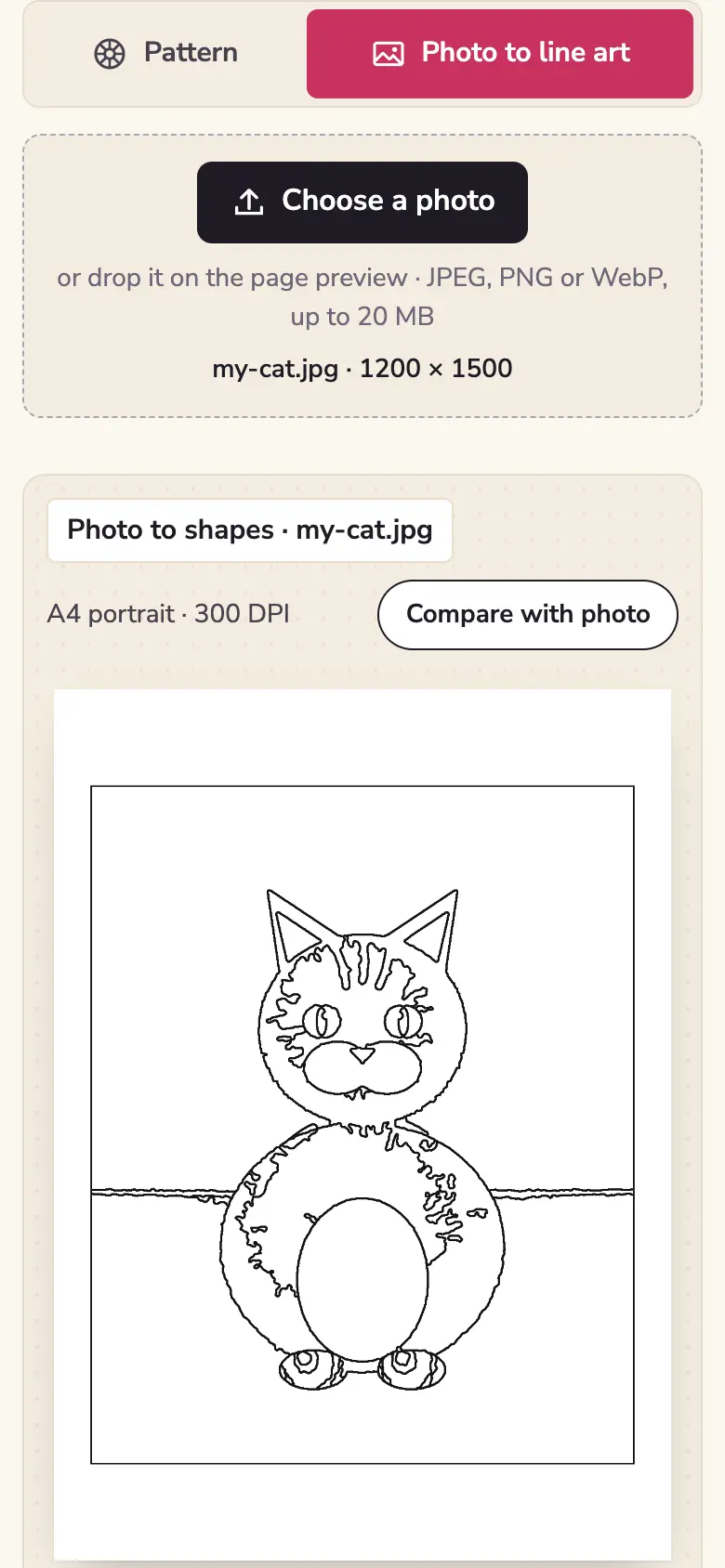
Generative converters redraw the picture, and a redraw can add things. In our ColorBliss test with a drawn cat sitting upright, the result was clean but added a tail and four separate legs that were not in the picture, and filled the floor with grey. Mimi Panda’s free result for our portrait was smooth and closed and ignored the side shadow, which is the look most people want. Tracing converters cannot add anything, but they also cannot leave out fur and shadows; the style comparison shows that trade-off on the same photos.
5. Can you use the page in something you sell?
If you make coloring books for KDP, Etsy or a class you teach, the licence matters more than the price. ColorBliss includes commercial use from its $35-a-month Artist plan; its $9 and $18 plans are personal only. Pages made with huepad are free for commercial use with no credit required, but they are not exclusive: the same photo and settings give the same page to anyone.
Where huepad is weaker
A fair comparison says where our own tool loses. The on-device styles cannot match an AI redraw on long fur or on a face with a strong shadow: Lines turns fur into strokes and Shapes draws the shadow as an area. The AI mode closes most of that gap but is limited to three pages a day per visitor and 60 a day across the whole site, because it runs on Cloudflare’s free daily allowance. When that runs out, the page falls back to Shapes and says so.
What we did not test. ReallyColor’s photo conversion requires a paid order. Edupics also offers a photo tool, but its site showed a bot check to our test browser, which we do not bypass. Prices and allowances change; check the linked pages before you rely on them.
Make a free coloring page from a photo →
Sources
- Pricing · ColorBliss · read 29 October 2026
- Photo to coloring page · Mimi Panda · read 29 October 2026
- Pricing · ReallyColor · read 29 October 2026
- Data usage · Cloudflare Workers AI docs · read 29 October 2026
Read next
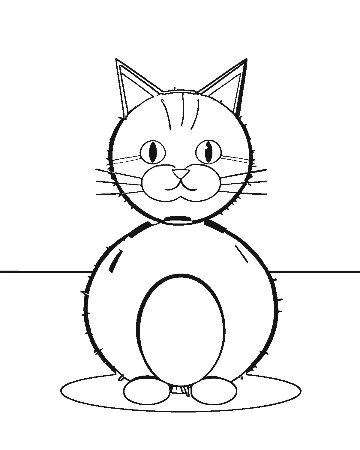 Photo to coloring page convertersLines, Shapes or AI: which converter for which photoThe same three photos converted three ways: traced edges, closed areas and an AI redraw. What each style keeps, what it loses, how long it takes and what it costs you.
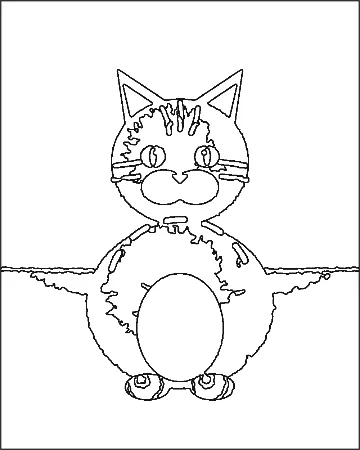 Photo to coloring pageHow to turn a photo into a coloring pageTurn a photo into a printable coloring page in five steps, plus a test of what makes a photo convert well: we ran one picture six ways and counted the areas.
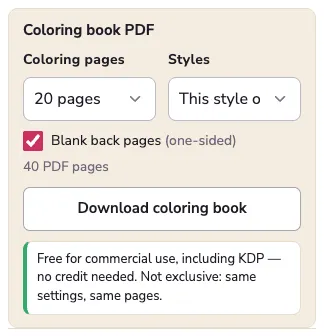 Custom coloring booksA custom coloring book from your own photosTurn family or pet photos into a custom coloring book: print at home, order a bound KDP proof copy, or use a printing service. Page counts, binding and real costs.